







Every GP practice in England knows the problem. Phones start ringing at 8am. Within minutes, all lines are engaged. Patients redial repeatedly. Staff rush through calls to clear the queue. By mid-morning, everyone is frustrated—patients who could not get through, receptionists who have been under siege, and clinicians whose appointment lists were filled before they could be properly triaged.
Digital triage offers a way out of this cycle. By giving patients a structured online route to submit requests, practices can reduce phone pressure, improve the quality of triage decisions, and create a clear audit trail for every patient contact.
The Phone Call Problem
The scale of the challenge is well documented. NHS England’s Modern General Practice Model identifies telephone access as one of the most significant barriers to patient satisfaction. Practices that rely solely on phone-based access face a predictable pattern:
- Peak demand compressed into the first hour of the day
- Patients unable to get through, leading to repeat calls and walk-ins
- Receptionists forced to make clinical judgement calls under time pressure
- No structured information gathering, so clinicians receive incomplete context
- No audit trail for telephone conversations beyond free-text notes
The result is a system that is stressful for staff, unreliable for patients, and difficult to manage safely.
What Is Digital Triage?
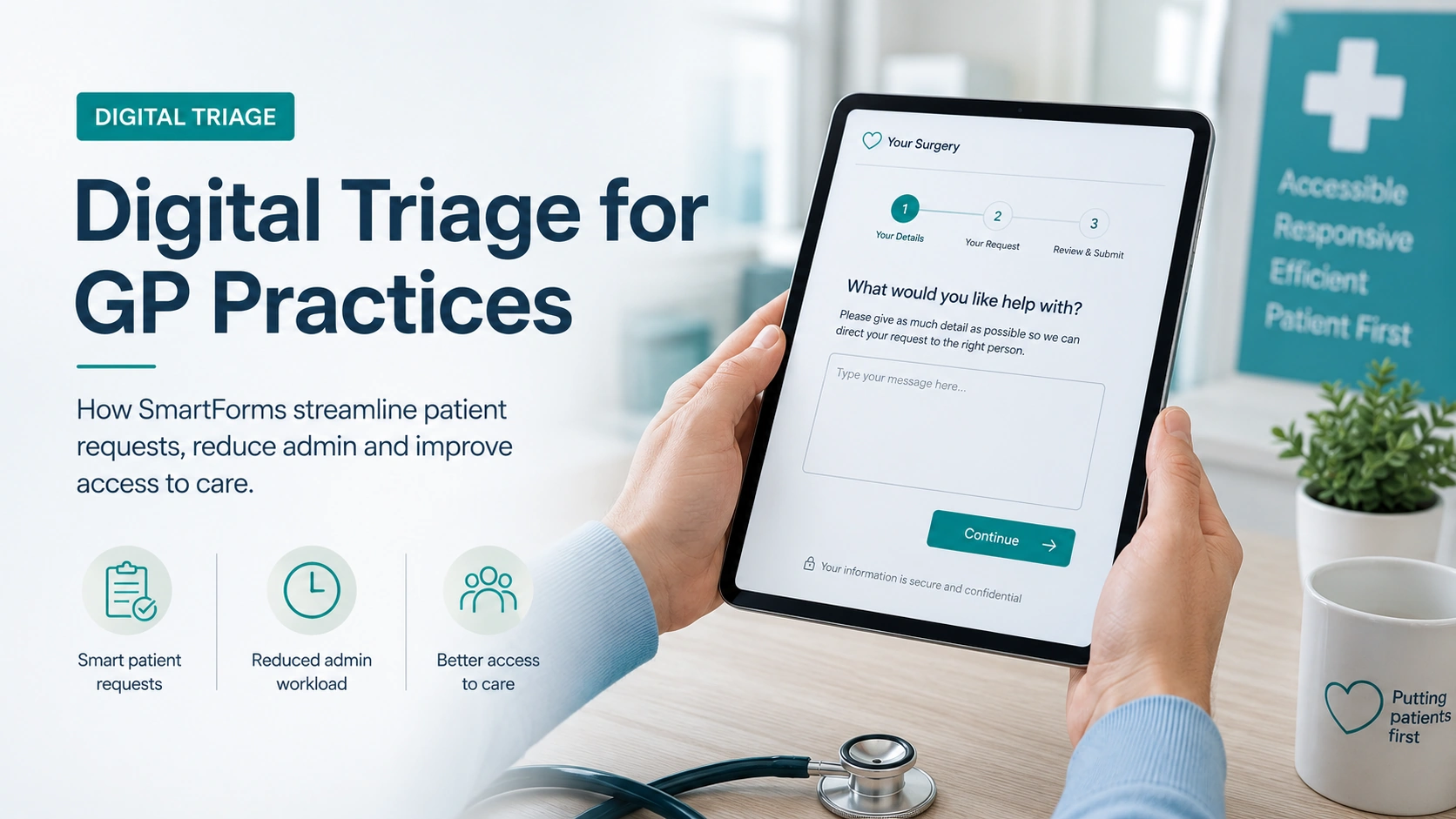
Digital triage means giving patients a structured way to submit requests online, rather than requiring a phone call as the only route into the practice. The patient visits the practice website, completes a form describing their request, and the submission enters a managed workflow where staff assess, prioritise, and respond.
It is important to distinguish between two approaches:
- AI-driven triage tools (such as those offered by third-party platforms) use algorithms to assess symptoms and suggest urgency levels. These can be powerful but introduce complexity around clinical governance, data processing, and patient trust.
- Form-based triage uses structured online forms to collect the right information upfront, which trained staff then review. The clinical decision remains with the practice team—the technology simply ensures they have the information they need, in a consistent format, before making that decision.
Tree View Designs’ SmartForms take the form-based approach: secure, integrated into the practice website, and designed to work within existing practice workflows rather than replacing them.
How SmartForms Work
The patient journey through SmartForms is straightforward:
- Patient visits the practice website and selects the relevant form—for example, a medical query, prescription request, administrative enquiry, or sick note request.
- Patient completes the SmartForm. Each form collects structured, relevant information specific to the request type. Fields are tailored so the practice receives exactly what it needs to triage the request, without the patient having to guess what to include.
- Submission arrives in PatientInbox. All submissions from all forms are collected in a single central hub. Staff can view, sort, and prioritise requests without switching between systems. Every submission includes a timestamp and full audit trail.
- Staff triage and respond. The practice team reviews each request and takes the appropriate action: booking an appointment, issuing a prescription, referring to a clinician, or responding directly. The decision is made by a human with the right information, not by an algorithm.
- Patient tracks progress via PatientPortal. Patients can see the status of their submission without calling the practice to chase. This visibility builds trust and significantly reduces follow-up phone calls.
The Results Practices Are Seeing
Practices using SmartForms consistently report measurable improvements:
- Fewer phone calls. When patients have a reliable online alternative, a significant proportion choose to use it—particularly for non-urgent requests like prescription queries, administrative tasks, and routine appointment requests. This directly reduces pressure on phone lines during peak hours.
- Better triage quality. Structured forms collect the same information every time, in a format clinicians can review quickly. There is no reliance on a receptionist’s interpretation of a hurried phone conversation.
- Complete audit trail. Every submission is timestamped, stored, and exportable (PDF and CSV). This supports clinical governance, complaint resolution, and CQC inspections.
- Improved patient satisfaction. Patients who previously could not get through on the phone now have 24/7 access to submit requests. They can do so at a time that suits them, from any device, without waiting on hold.
- Calmer reception teams. With routine requests handled online, reception staff can focus on patients who genuinely need telephone or face-to-face support.
SmartForms vs Third-Party Triage Tools
Many practices consider bolt-on triage platforms from third-party providers. These tools can be effective, but they come with trade-offs that are worth understanding:
- Integration: Third-party tools often sit outside the practice website, sending patients to a separate platform with different branding and navigation. SmartForms are built directly into the practice website—patients never leave a familiar environment.
- Data security: SmartForms submissions are encrypted and hosted on UK-based servers under Tree View Designs’ control. With third-party tools, data may be processed by external organisations, raising questions about data residency and access.
- Cost: Many third-party triage platforms carry separate subscription fees. SmartForms are included in Premium support packages—no additional cost, no separate contract.
- Clinical governance: AI-driven tools make automated clinical suggestions, which introduces governance questions about liability and oversight. SmartForms collect information—the clinical decision always stays with the practice team.
Getting Started
Digital triage does not require a wholesale change to how your practice operates. Most practices start with one or two forms—typically a general medical enquiry and a prescription request—and expand as staff become comfortable with the workflow.
The key is ensuring that patients know the option exists. A prominent link on your homepage, clear signposting in your phone message, and a brief mention at reception are usually enough to drive adoption.
If your practice is still relying solely on phone access, or if your current online forms feel bolted on rather than integrated, get in touch to see how SmartForms can reduce pressure on your team and improve the experience for your patients.