
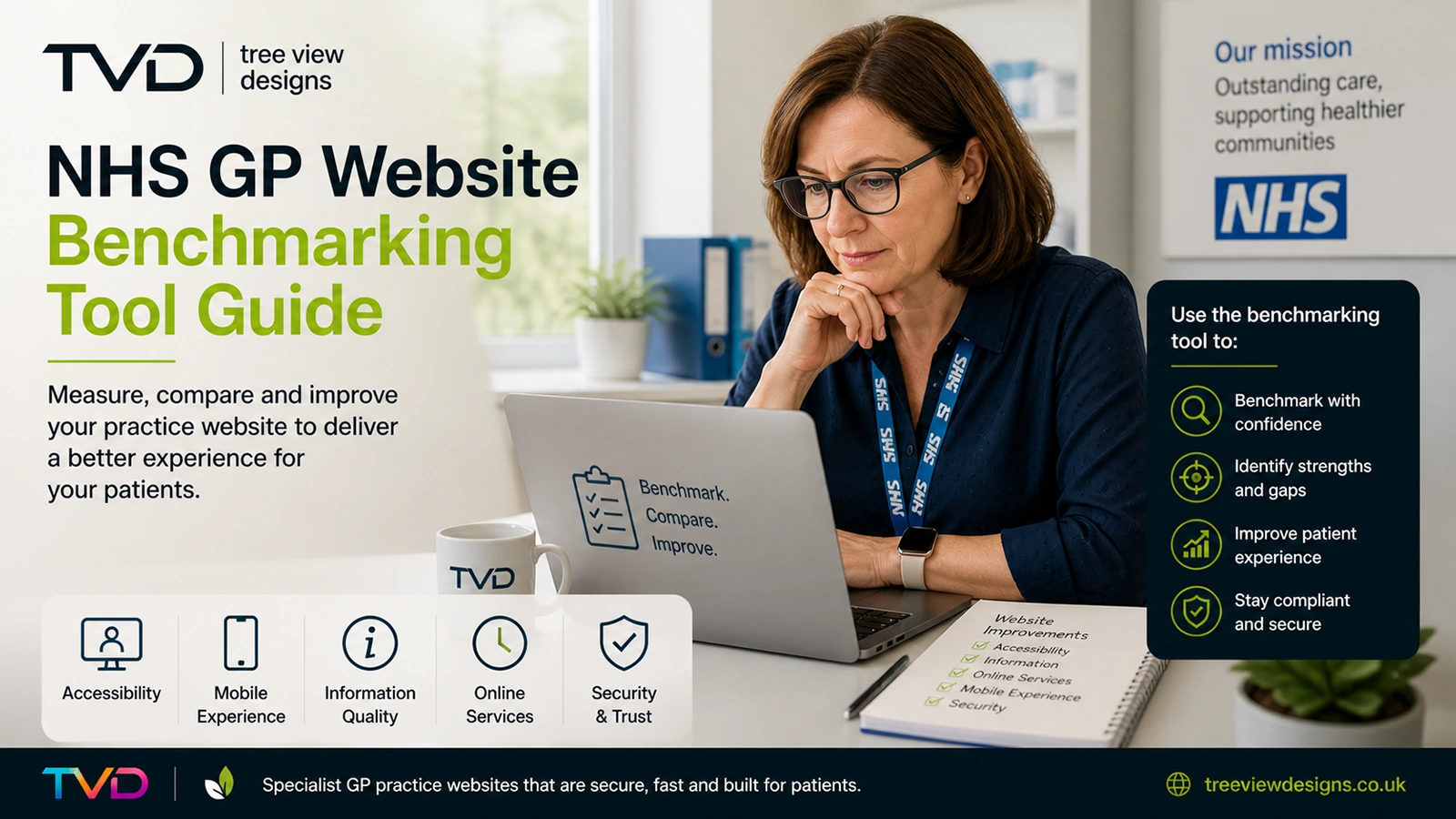
The NHS GP Website Benchmarking and Improvement Tool gives practice managers a structured way to assess how well their website serves patients. Developed by NHS England and based on real user research, the tool measures 50 evidence-based criteria across the tasks patients perform most often on GP practice websites.
Whether you are preparing for a CQC inspection, responding to patient feedback, or simply want to ensure your website meets NHS standards, this guide explains what the tool assesses, where practices commonly fall short, and how to improve your score.
What Is the NHS GP Website Benchmarking Tool?
The benchmarking tool is a free Excel-based audit developed by NHS England. It was designed using research involving 102 participants with low to moderate digital and written English confidence, who were observed navigating 10 GP surgery websites. Their experiences shaped the 50 criteria that form the assessment.
The tool evaluates how effectively a practice website supports patients in completing seven core tasks:
- Make or request an appointment (including via an online consultation form)
- Change or cancel an appointment
- Get a repeat prescription
- Get a sick note for work
- Get test results
- Register with or join the practice
- Find contact and access information (phone number, opening times, address)
Each criterion is scored as meeting requirements well, adequately, or inadequately. There is no formal pass mark, but NHS England’s guidance is clear: ideally, all criteria should be met well.
The Three Sections of the Assessment
The tool divides its 50 criteria into three sections, each examining the website through a different lens.
Section 1: Patient Journeys
This is the largest section and focuses on the seven core tasks listed above. For each journey, the tool assesses whether patients can find the right page, understand the content, and complete the task without confusion. It examines navigation, labelling, link clarity, and whether the steps involved are proportionate and straightforward.
Section 2: Practice Manager Priorities
This section covers information that practices are contractually required to publish but that may not fall neatly into a patient journey. It includes patient feedback via the Friends and Family Test, how patients can make a complaint, details about registering with the practice, information about vaccinations, and practice boundary information.
Section 3: Legal and Compliance Requirements
The final section checks whether the website meets mandatory regulatory requirements: privacy notices, accessibility statements, cookie policies, and other obligations under the GP contract and public sector accessibility regulations.
Common Areas Where GP Websites Fall Short
After auditing hundreds of GP practice websites, several recurring problems stand out. These are the areas where most practices lose marks:
Unclear Navigation and Link Text
Generic links like “click here” or “find out more” tell patients nothing about where the link leads. The benchmarking tool specifically penalises vague link text. Every link should begin with a verb and describe its destination clearly—for example, “Request a repeat prescription” rather than “Click here for prescriptions.”
Excessive or Outdated Content
Many practice websites accumulate content over years without regular review. Pages become long, dense, and difficult to scan. The tool rewards concise writing targeted at a reading age of 9 to 11 years—plain English that every patient can understand, including those with limited literacy or whose first language is not English.
Poor Mobile Experience
NHS England’s research confirms that most patients access GP websites on mobile devices. Yet many websites are still designed with desktop layouts in mind. Text that is too small, buttons that are too close together, and horizontal scrolling all create barriers for mobile users. The tool expects a fully responsive, mobile-first experience.
Missing Accessibility Basics
Images without alternative text, poor colour contrast, forms that cannot be completed with a keyboard, and PDF-only content are common failures. The benchmarking tool assesses accessibility alongside usability because they are inseparable: a website that is difficult to use for someone with a visual impairment is also difficult to use for someone in a hurry on a small screen.
Buried or Missing Mandatory Content
Contractual requirements such as the named GP for patients over 75, out-of-hours information, and the complaints procedure are frequently missing or buried several clicks deep. If patients cannot find this information within one or two clicks from the homepage, the website scores poorly.
How to Improve Your Score
Improving a benchmarking score is not about redesigning your entire website. Many of the most impactful changes are straightforward:
- Audit your top seven journeys first. Walk through each task as a patient would, on a mobile device. Can you complete every journey in three clicks or fewer?
- Rewrite link text. Replace every generic link with a clear, descriptive phrase that starts with a verb.
- Simplify your language. Aim for short sentences and everyday words. Tools like the Hemingway Editor can help you check readability.
- Remove outdated content. Archive anything that has not been reviewed in the last 12 months. Less content, well maintained, is better than more content left to decay.
- Check accessibility. Ensure every image has meaningful alt text, all forms work with a keyboard, and colour contrast meets WCAG 2.2 AA standards (a minimum 4.5:1 ratio for normal text).
- Publish mandatory content prominently. Complaints procedures, accessibility statements, privacy notices, and named GP information should all be reachable within one or two clicks from the homepage.
- Test on mobile. Complete your audit on a phone, not a desktop. If something is awkward on mobile, it needs fixing.
Supplier Responsibilities vs Practice Responsibilities
The benchmarking tool helpfully distinguishes between issues that are the website supplier’s responsibility and those that fall to the practice:
- Supplier: Page templates, navigation structure, mobile responsiveness, accessibility of the underlying platform, form functionality, and technical compliance (SSL, cookie consent, structured data).
- Practice: Content accuracy, reading level, keeping information up to date, publishing mandatory pages, and ensuring links to third-party services (such as the NHS App or online consultation tools) work correctly.
Understanding this split is important. If your website scores poorly on navigation or mobile responsiveness, that is a conversation with your supplier. If it scores poorly on content clarity or missing information, that is something the practice team can address directly.
How Tree View Designs Websites Score
Every website built by Tree View Designs is scored against the NHS benchmarking tool as standard. Our platform is designed to meet all 50 criteria well, covering the technical foundations that practices cannot control themselves:
- Fully responsive, mobile-first design tested across devices
- WCAG 2.2 AA accessibility compliance built into every template
- Clear navigation with descriptive link text throughout
- Plain English content written to NHS reading age guidelines
- All mandatory pages included and prominently linked
- Secure hosting with SSL, regular backups, and NHS-level data protection
For Premium customers, we also provide annual accessibility audits and proactive compliance monitoring, so your website stays compliant as standards evolve.
Getting Started
The benchmarking tool is free to download from NHS England. An audit typically takes 45 to 90 minutes depending on the size and complexity of your website. We recommend completing it on a mobile device and involving someone outside the practice team—a fresh pair of eyes will spot issues that familiarity hides.
If your score reveals gaps you are not sure how to address, or if you want a website that meets every criterion from day one, get in touch to discuss how we can help.