
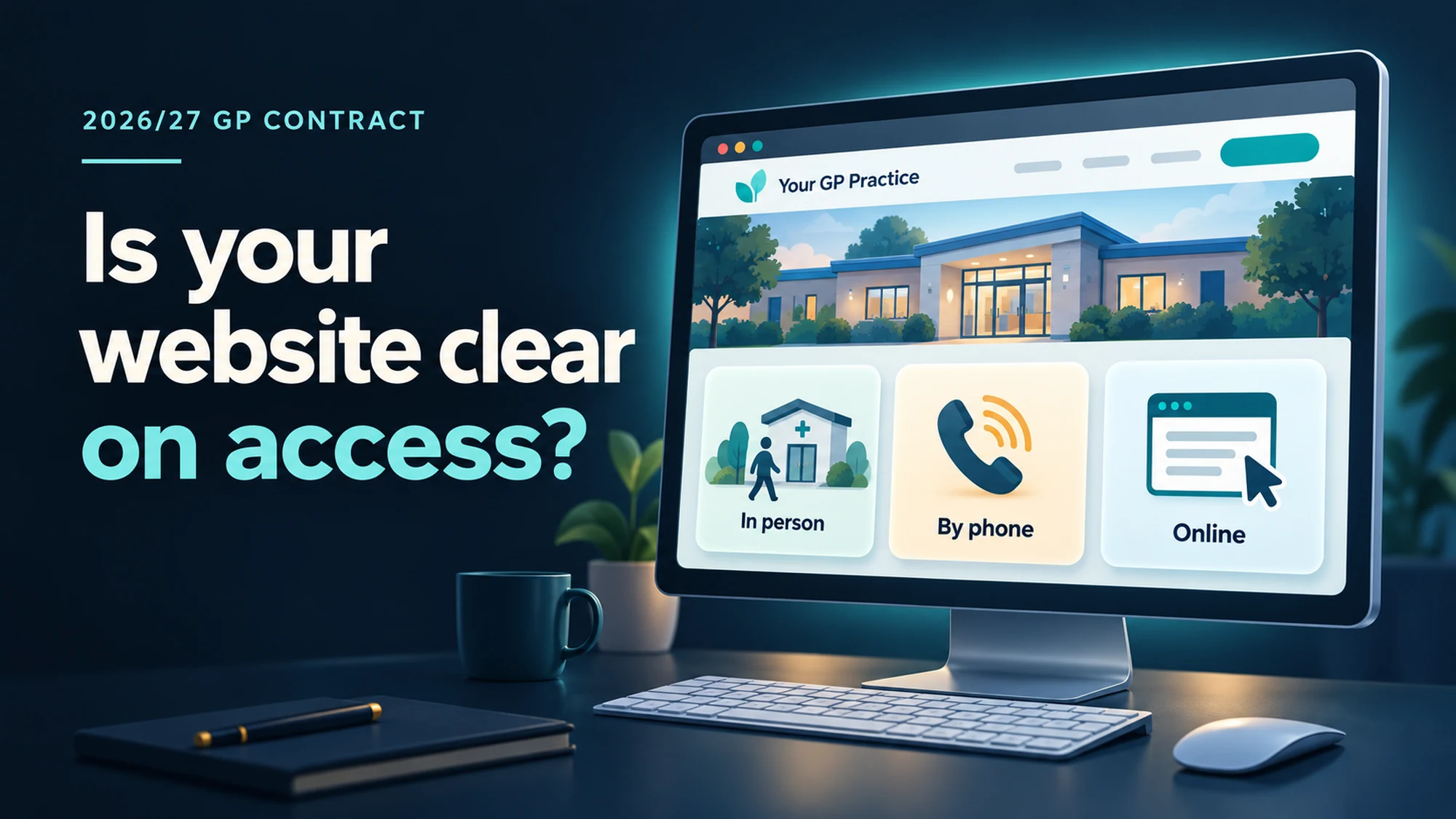
Your website says “Open 8am to 6.30pm”. But can a patient tell whether that means the building, the phone lines or online requests? The 2026/27 GP contract changes make that distinction worth checking.
Adrian, our Support Lead, suggested looking at what the changes mean for the pages patients actually use. For practices in England, the useful starting point is opening times, online requests and clear routes to the right service, rather than an announcement summarising the whole contract.
This guide draws on NHS England’s 2026/27 announcement and its implementation clarification. These describe the changes and their intended operation; your contract variation and applicable regulations determine the binding wording and commencement dates. Check those with your ICB before changing promises about access or response times.
1. Explain opening times for all three ways of getting in touch
NHS England sets out a requirement to show opening times for in-person, telephone and online requests on the website, in the practice leaflet and at the premises. Its clarification says access should cover at least core hours: 8am to 6.30pm, Monday to Friday, excluding bank holidays.
Label each route clearly. Where times are the same, one timetable can explain that they apply to all three. If commissioner-agreed arrangements involve another provider or location, explain where patients go, which number they call and how online access works during those periods. Do not simply leave a gap labelled “closed”.
Website check: compare your contact page, opening-hours page, footer and practice leaflet. They should tell the same story. Information about extended access should be clearly distinguished from access to your own practice.
2. Check online consultation platforms
Check what the patient sees when accessing the online consultation platform: opening-time messages, submission limits and instructions to try again tomorrow all need reviewing with the practice and the consultation-system supplier.
3. Make each route understandable
This is usability guidance, rather than a new 2026/27 requirement: NHS England recommends linking forms from the relevant patient task instead of relying on supplier names or banners. “Request an appointment” explains more than “Use our online consultation system”.
Put the route beside the appointment, fit-note or medication information it serves. Explain the phone and in-person alternatives alongside it. Test the full journey on a phone, including the handover to any external service.
Start with one patient journey
Ask a colleague to find how to request an appointment at 4pm. Can they see the available routes, reach the right service and understand what happens next? Then compare that information with the leaflet and reception notices. Record each mismatch, who will correct it and when it will be checked.
For the wider checklist, use our NHS GP website requirements guide. If you are a TVD customer, send our support team your approved access arrangements and wording. We can help present them clearly; your practice remains responsible for the service arrangements and clinical decisions behind them.
Sources checked on 7 October 2026. For GP practice teams in England. This is a focused website review, not a complete contract-compliance assessment.