







A patient needs a fit note. You use an online consultation platform, but your website button says “Online services”. Behind it are several systems, unfamiliar names and another set of choices. A digital route exists. Finding it is the problem.
A bigger homepage banner may make the link more noticeable without making the journey clearer. The useful question is: can a patient recognise the right route, complete their task and understand what happens next?
Start with the patient’s task
NHS England’s GP website guidance recommends task-based explanations and links rather than relying on supplier banners. It also recommends prominent homepage links to common tasks, with a permanent home for those tasks elsewhere on the site. This is not advice to hide online access from the homepage.
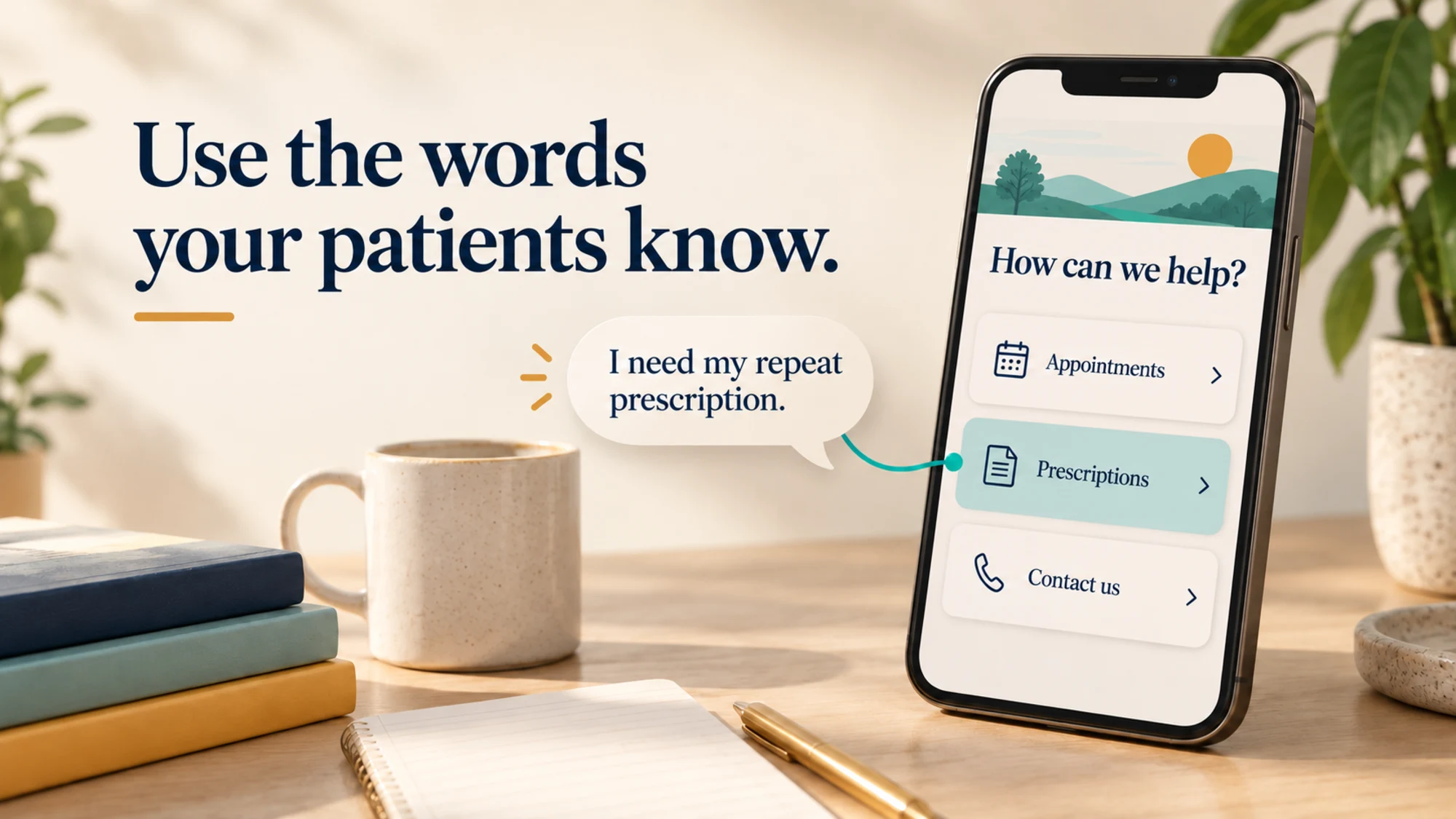
Compare “Use our consultation platform” with “Request a fit note”. The second tells the patient why they would follow the link. A supplier name can explain where they are going, but should not be the only clue about what they can do there.
Be precise: use “Request an appointment” if the practice will assess the request. “Book an appointment” suggests the patient can choose and confirm a slot. The label should match the destination.
A clearer fit-note journey
Here is an illustrative comparison to discuss with your team, rather than patient wording to copy unchanged:
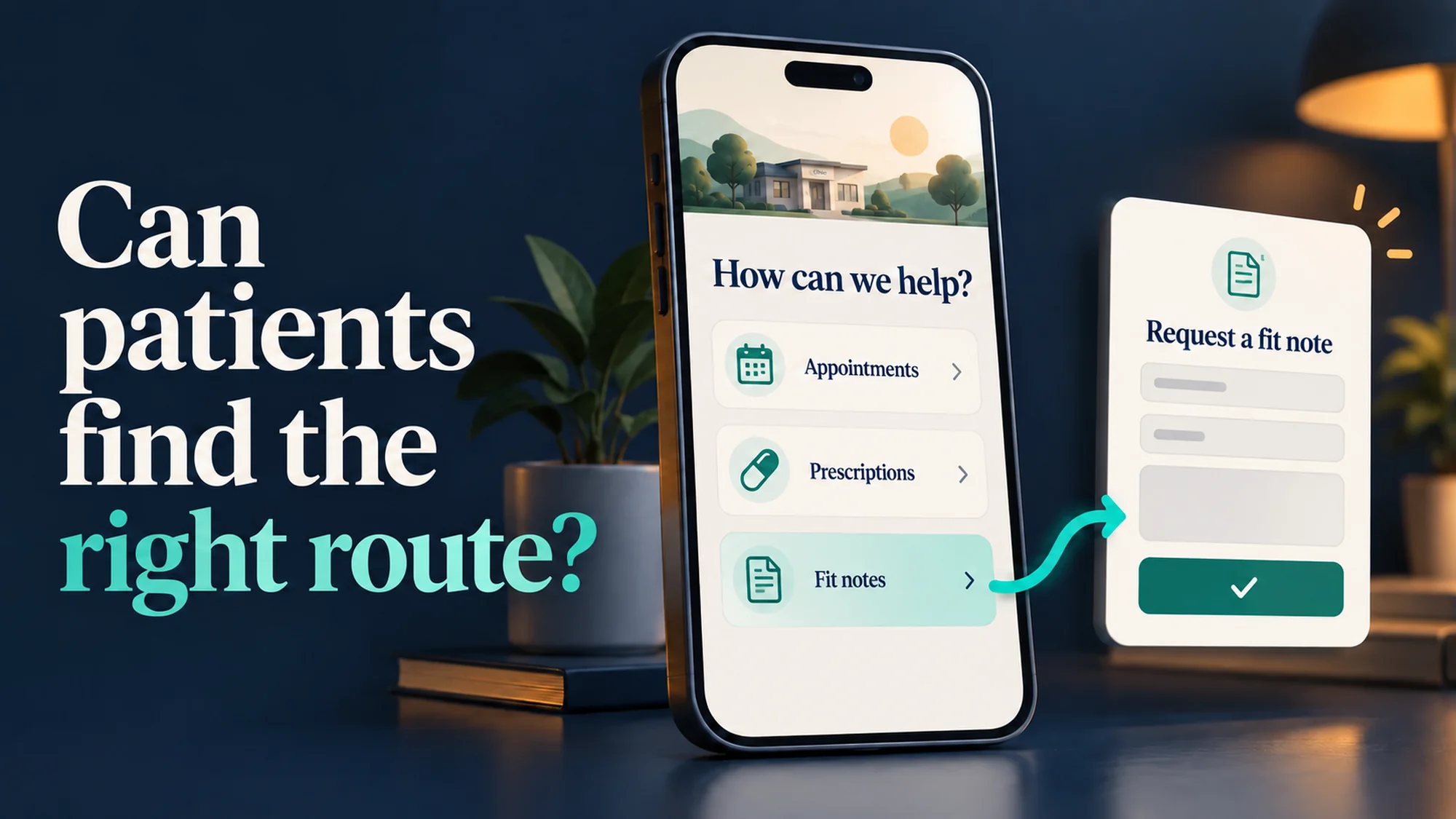
- Harder: “Online services” leads to a supplier homepage, leaving the patient to work out which option handles fit notes.
- Clearer: “Fit notes” opens the practice’s explanation, followed by a “Request a fit note” link to the appropriate approved form or section.
If the supplier does not support a direct link to that section, explain which option to choose after opening its service. Test the link from a fresh browser session; a link copied halfway through a logged-in journey may not work for someone else.
Keep the practice’s eligibility information and alternatives beside the route. Do not make patients return to the homepage to find the next step, or imply that submitting a request guarantees a fit note will be issued.
Follow the link beyond your own website
A page loading successfully is only the first check. Does it open the correct practice? Can the patient find the relevant option? Do instructions still match the form after a supplier update?
Ask your supplier to check keyboard access, visible focus, readable labels and usable error messages across the journey. Government accessibility testing guidance recommends manual and automated testing. An automated score cannot show whether a patient understands which option to choose.
Use the practice’s approved request service. NHS England’s guidance sets clinical-safety assurance conditions for other website contact forms. A general enquiry form is not an interchangeable shortcut for patient requests; agree any change with the practice’s clinical and digital leads.
Guide the journey, avoid the overload
Present onward journey information where and when it is useful. Before someone follows a link, explain what they can use it for. At the next step, give them the information they need to continue.
Avoid filling a page with lengthy text intended to cover every eventuality. Readers may skip it, and the volume can obscure the guidance they actually need. Keep essential instructions easy to spot, with further detail available where it helps.
Think about the task at each stage: what is this person trying to do now, and what will help them take the next step? For a fit-note request, that might mean explaining which option to choose in the consultation platform, rather than listing every service the practice offers.
Keep alternatives visible for people who cannot use the online route. You and your general practice explains that patients can choose between online, telephone and in-person contact. Clear digital access should make getting help easier without making everyone use a form.
Try one journey at your next team meeting
Give a colleague a phone and a task: “Find out how to request a fit note.” Start on the relevant information page as well as the homepage. Watch without pointing out the button.
- Can they identify the correct route without knowing the supplier’s name?
- Do the link and destination describe the same task?
- Can they find an alternative and understand what happens next?
Stop before submitting a real request. Review the confirmation in an agreed test environment. This is a quick usability check, not a full accessibility audit.
Record the first point of confusion, fix it and try again. NHS England’s maintenance guidance recommends reviewing key pages every six months and updating immediately when systems or practice processes change. Give someone responsibility for that review.
For a separate check of access hours and online request routes, use our 2026/27 GP contract website guide.
If you are a TVD customer, send our support team the page, the approved destination and what patients need to do. A clearer route can start with one well-placed link and a few better words.
Sources checked on 7 October 2026. Written for GP practice teams in England.