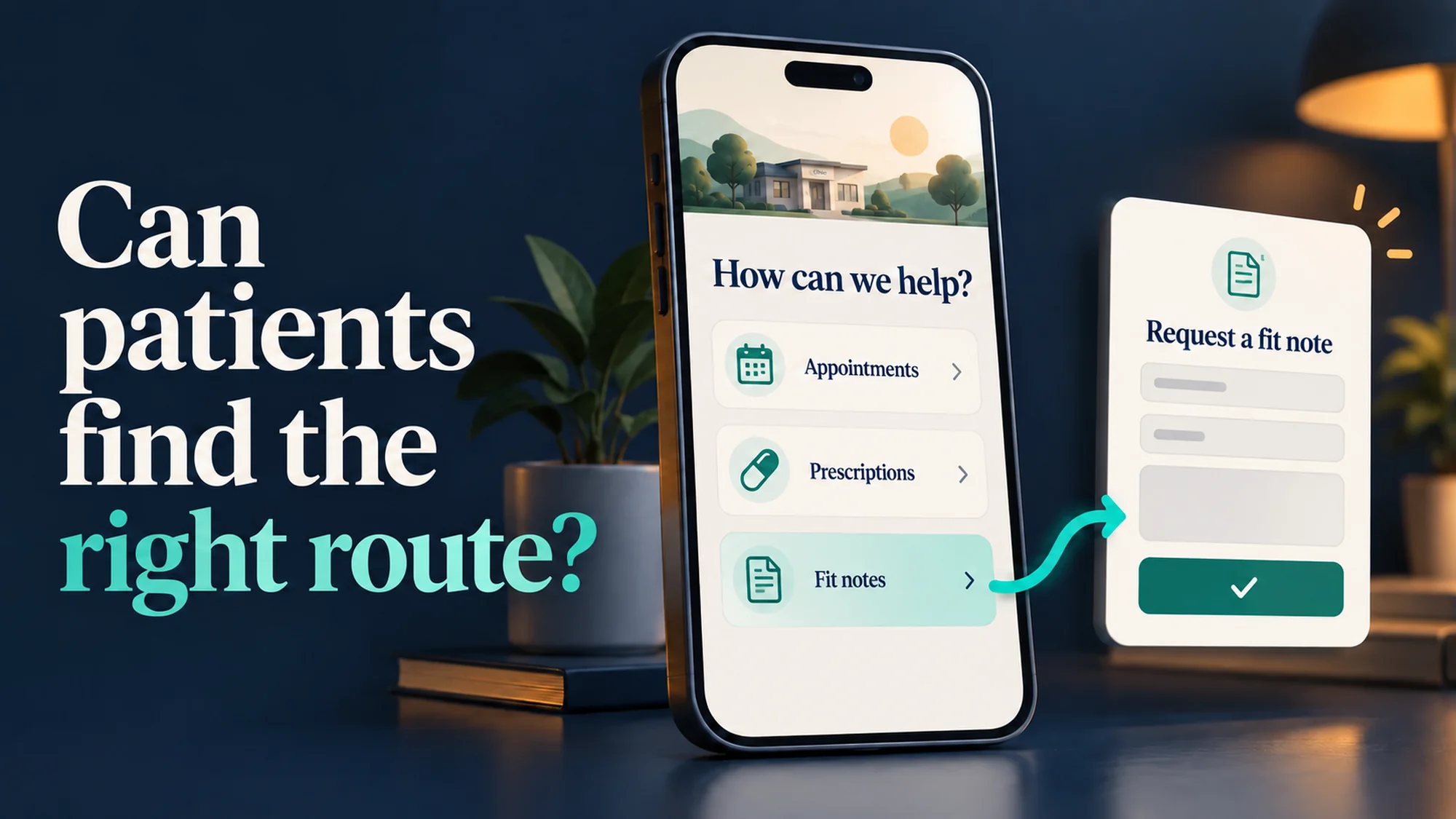

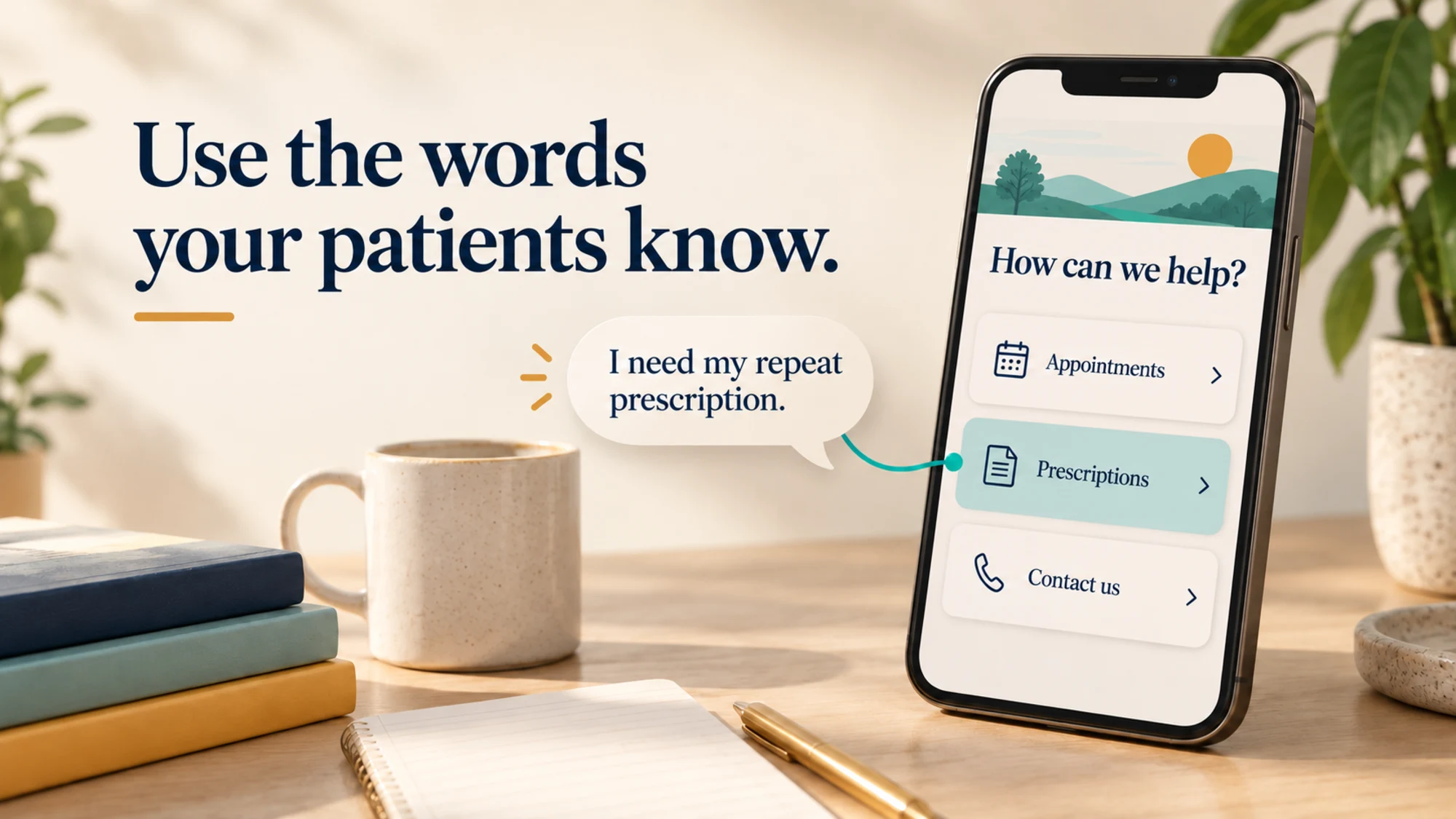
Imagine a patient opening your surgery’s website with one thing in mind: “I need to order my repeat prescription.” They scan the menu. Appointments. Services. Medications. Is that last one where they should go?
They might work it out. But a useful GP website should make familiar tasks easy to recognise. If a patient arrives looking for prescriptions, why give them a different word to interpret?
That question becomes more awkward when a practice is advised to replace “Prescriptions” with “Medications” to help a Google Ads campaign. There may be a real advertising issue to investigate. It does not automatically follow that changing the patient menu is the right solution.
What does NHS England recommend for GP website menus?
NHS England’s GP website guidance, pages 35–36, recommends six main menu items, including “Prescriptions”. Its patient research found that menus featuring appointments, prescriptions and contact details worked well, and that people looked for familiar words when finding a task.
This is a usability recommendation, not a law requiring one exact menu label. It is nevertheless a sound starting point for practices in England: there is patient research behind the wording. A change should have an equally clear reason and be checked with the people who use the site.
The wording also carries through to the NHS App. Its instructions tell patients to select “Prescriptions”, then “Request a repeat prescription”. Using familiar labels on the practice website can help the journey feel consistent.
Why “Prescriptions” describes the task more clearly
NHS writing guidance prefers “medicine” to “medication” in its own content. But neither word tells a patient as clearly where to go when they need to order a repeat prescription.
A medicine is the treatment; a prescription authorises its supply. A section called “Medications” could sound like information about treatments rather than the place to request a repeat prescription. We would make the task explicit:
Main menu
Prescriptions
Page heading
Order a repeat prescription
Link to the available service
Request a repeat prescription using the NHS App
That is an illustrative route, not wording to copy regardless of your setup. The destination must support the action promised. NHS guidance describes several ways to order repeat prescriptions; explain the routes your practice actually offers and how to get help if someone cannot use them.
Does Google Ads ban the word “prescriptions”?
We found no blanket rule in the published policies we reviewed saying that a GP website cannot use “Prescriptions” in its menu. Google’s rules cover more specific issues. That does not guarantee any particular advert will be approved.
Its restricted drug terms policy covers terms used in adverts, landing pages and keywords. The examples it links to are prescription drugs and active ingredients. Rules vary by country, with restrictions on promotional use outside Canada, New Zealand and the United States, and exceptions for certain non-promotional uses.
Separately, Google restricts advertising for prescription drug services, including online prescribing and dispensing. Certification requirements can apply. The UK has its own conditions for online pharmacies and telemedicine providers; this is not simply a matter of American vocabulary.
There is a real complication here. Google’s detailed prescription services policy says it considers the advert, website or app and services offered. It also takes a cautious approach to landing pages that link to content appearing to facilitate online prescribing or dispensing. An advert need not name a drug to raise a policy question.
So an advertising provider may be dealing with a genuine restriction. Without the rejection notice and campaign details, we cannot say which rule caused it, whether the classification was correct, or whether a menu change would resolve it.
What to ask before changing your website for an advert
Start with the campaign’s purpose. An advert inviting eligible people to register with a GP practice has a different purpose from one promoting an online prescribing service. Its wording, destination and the services available there need to be considered together.
Ask whoever manages your advertising to show you:
- The exact policy notice. Which advert or asset was affected, and what reason did Google give?
- The proposed change. Does it concern an advert, a keyword, one landing page or the navigation across the whole website?
- The policy explanation. Why would that change address the stated issue? Is certification or a review of the decision the appropriate next step?
- The effect on patients. Can existing patients still find and complete their prescription tasks, including on a phone?
Google provides an appeal route where an advertiser believes a decision is wrong. A campaign-specific landing page may also help explain the service being advertised, but it must comply with the rules and is not a guaranteed exemption from review of the wider website. Renaming a service does not change what it does or remove any certification requirement.
A five-minute check for your practice team
Give someone who did not build the website a phone and this task: “Find out how to order a repeat prescription.” Start at the homepage, then try arriving directly on the prescription page. Ask them to talk through what they expect each link to do.
- Is the starting point obvious, including inside the mobile menu?
- Does the next page explain the available route without assuming knowledge of a supplier’s name?
- Does the link open the correct service for your practice?
- Can they find help if the online route is not suitable?
Stop before submitting a real request. Note the first hesitation and improve that part of the journey. This informal check is useful feedback, not a substitute for wider accessibility testing.
Our view is simple: an advertising campaign should bring people to a useful website. It should not make an everyday task harder to recognise. Keep the patient’s task clear, and resolve any advertising issue with evidence about the actual campaign.
If you are a TVD customer, send our support team the page and any proposed wording change. We can help review the website journey alongside your practice team and advertising provider. For more on clear writing, see our guide to reading age on GP websites.
Sources checked on 13 October 2026. Written for GP practice teams in England. Advertising policies can change; check the linked policy and the specific account notice before acting.