
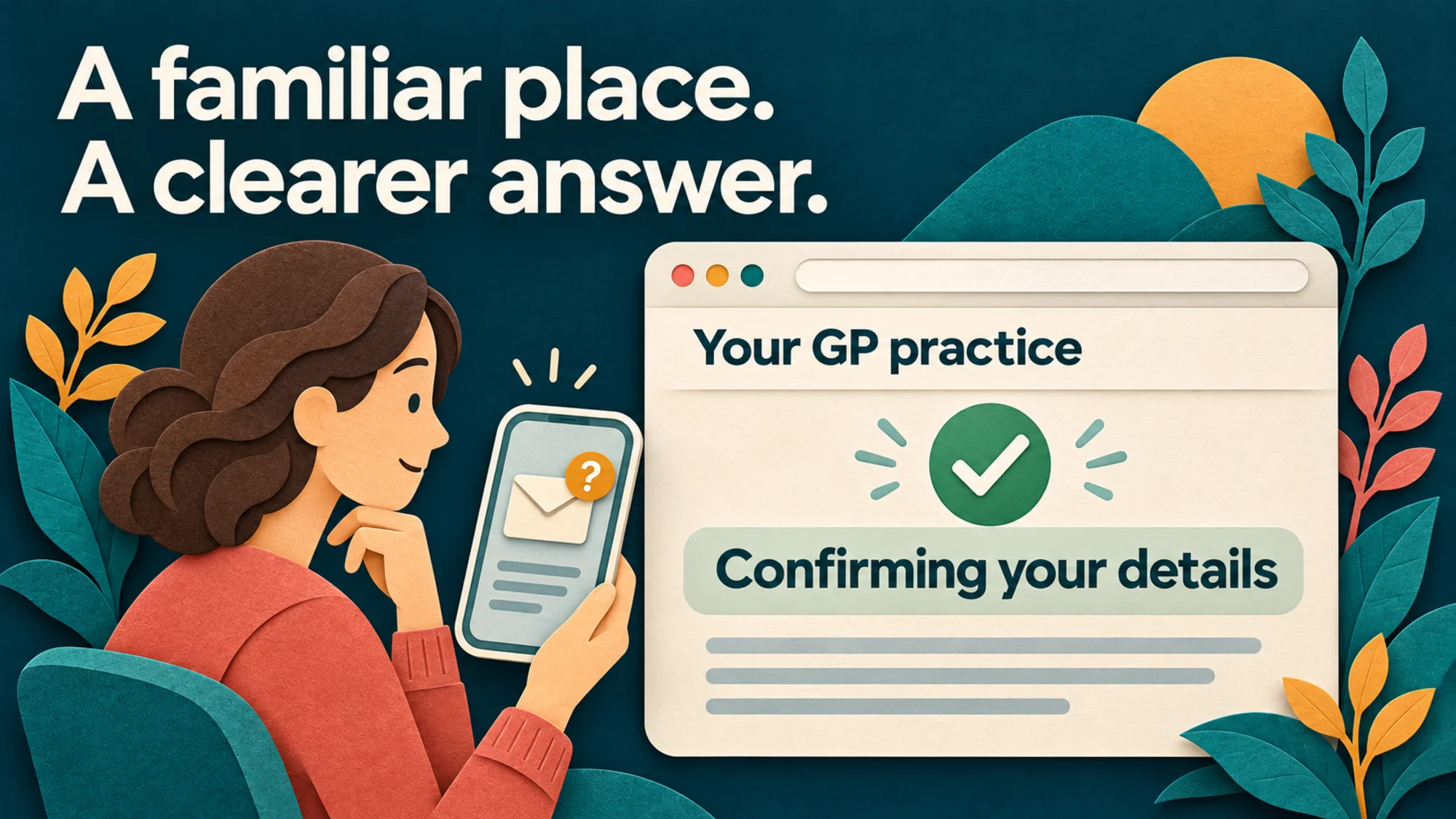
A message arrives asking a patient to confirm their home address. It mentions their GP registration and asks them to respond. They have lived in the same house for years. They have also been told to be careful with unexpected texts. Before doing anything, they open your practice website.
What would they find? A clear explanation could help them check the message and understand their next step. An empty search result leaves the receptionist to explain it all over again. GP list validation has become a patient communication issue as well as an administrative one.
What is GP list validation?
GP list validation checks whether the details held for registered patients remain accurate. NHS England’s explanation of the programme sets out why this matters for registration, planning services and allocating resources. Correct contact details also help screening invitations and other important information reach the right person.
The latest pilot adds another response route. NHS England says patients can text HERE or GONE, together with their NHS number and unique code, to the number provided in their initial communication. The bulletin says that response number will never be used for initial outbound contact. Keep any website instructions tied to the official communication the patient has received and the arrangements your team has confirmed.
Why a genuine message may go unanswered
Londonwide LMCs reports that some older patients suspect these contacts are scams and avoid responding. Its list validation guidance also highlights language barriers, unstable housing and other reasons patients can be difficult to reach. It recommends proactive communication, including resources for practice websites and patient participation groups.
A patient who hesitates may be trying to protect themselves. Give them a way to check independently. The National Cyber Security Centre recommends contacting an organisation through its official website when a message raises doubts, rather than using the contact details in that message.
Give the explanation a permanent home
Create one short page with a recognisable title, such as “Confirming your address with the NHS”. Link to it from a current homepage notice and the section where patients manage their details. Include the words patients are likely to search for, such as “NHS text”, “address” and “registration”, in natural, readable sentences.
Explain who is carrying out the checks, why a person whose address has stayed the same may still be contacted, and where to get help. Link to NHS England’s home-address FAQs for the national explanation. Offer a clearly labelled practice contact route for patients who remain unsure.
The page should help someone assess their message. A general notice about a real programme cannot authenticate an individual text. Our guide to clearer online patient journeys explores the same practical question of whether a person can find the right next step without knowing the names of the systems involved.
Make these two tasks easy to tell apart
Updating a telephone number with the practice and responding to a national validation request can look similar to a patient. Describe each route by what it does.
“I need to update my details”
Explain the practice’s approved route for telling your team about a change of address, phone number or email.
“I have been asked to confirm my address”
Help the patient check the request and follow the instructions that apply to their communication.
Check with your registration team what happens after either route is used. Any wording about a completed update should reflect the actual process for passing it on and resolving outstanding checks. Our registration page guide covers the separate task of joining a practice.
Explain the stages before quoting a deadline
NHS England’s current home-address FAQs describe 60 days to respond before the practice is notified. Separately, Primary Care Support England’s FP69 guidance describes the three-month period for resolving flags raised on or after 1 October 2025. An FP69 flag alerts the practice that a patient’s address needs checking.
These are different stages. Use the instructions and deadline in the patient’s own communication, and have your registration team check the wording before publication. A headline threatening immediate removal could frighten a patient while giving them an inaccurate picture of the process.
Make the information work beyond a smartphone
Keep the main explanation in accessible web text. Put the help route beside the instructions, where someone who cannot complete the online task will see it. Brief reception staff so they can recognise the programme and explain the next step consistently.
Londonwide LMCs suggests sharing information through waiting-room materials, community groups and PPGs as well as online. Consider which channels reach your own patients. Our Accessible Information Standard guide explains how individual communication needs should shape the help people receive.
For practice messages, NHS England’s texting and messaging guidance recommends neutral, professional wording, care over confidential information and using services approved by your organisation. Keep the website explanation and your team’s messages aligned with those arrangements.
For your next team meeting
Follow one message through.
-
Find it
Can a patient find the explanation from your homepage or site search?
-
Check it
Can they find an independent contact route if they doubt the message?
-
Understand it
Is it clear which task they need to complete and where that happens?
-
Get help
Can someone who needs another format or personal support find it?
Use an anonymised example for that discussion. Give the page a named owner and a review date, especially while the SMS option is a pilot. Update the explanation when the official process or your practice’s arrangements change.
A small website update with a clear purpose
If you are a TVD customer, send our support team your approved wording, the official guidance and the contact route your practice wants patients to use. We can help turn them into a clear page and a well-placed notice. For a wider look at how easily patients can use your site, request a free GP website audit.
The next patient who checks your website should be able to leave with an answer to the question that brought them there, and a next step they understand.
Sources checked on 7 November 2026. Written for practice teams in England. Confirm current national guidance and your practice’s arrangements when preparing patient-facing wording.